
You don't have to be technical to protect your digital life. These five changes take under ten minutes, work on any phone, and make a real difference. Start here.
Why this actually matters
Most of us set up our phones quickly and never look back. The problem is that default settings aren't designed for you they're designed for the company. They're set to collect maximum data, share broadly, and keep you in the loop in ways you never consciously agreed to.
There's a version of privacy advice that makes you feel like you need to delete everything and live off-grid. This isn't that. These five changes won't make you invisible online but they will meaningfully reduce how much of your life you're giving away without realising it. And they take less time than making your morning coffee.
"Privacy isn't about hiding. It's about choosing what you share, with whom, and when." Secured Wellness
1. Turn off ad tracking
Every app you use wants to build a profile of you. Not just what you do in that app but across every other app and website you visit. This is called cross-app tracking, and it's how advertisers follow you around the internet serving eerily specific ads.
The good news: you can turn it off in one tap.
- iPhone: Settings Privacy & Security Tracking toggle off "Allow Apps to Request to Track"
- Android: Settings Privacy Ads tap "Delete advertising ID"
What this does: Stops apps from building a cross-app profile of your behaviour. You'll still see ads they just won't be tracking you across everything you do.
2. Audit your location permissions
Your location is one of the most sensitive pieces of data you have. It reveals where you live, where you work, what you do on weekends, what medical appointments you attend, and who you spend time with. And a surprising number of apps have access to it 24/7 for absolutely no good reason.
Go through your location settings and ask yourself: does this app genuinely need to know where I am right now?
- iPhone: Settings Privacy & Security Location Services review each app and change "Always" to "While Using" or "Never"
- Android: Settings Location App permissions same process
Weather apps, shopping apps, social media most of them only need your location when you're actively using them, if at all. Maps and navigation are the obvious exception.
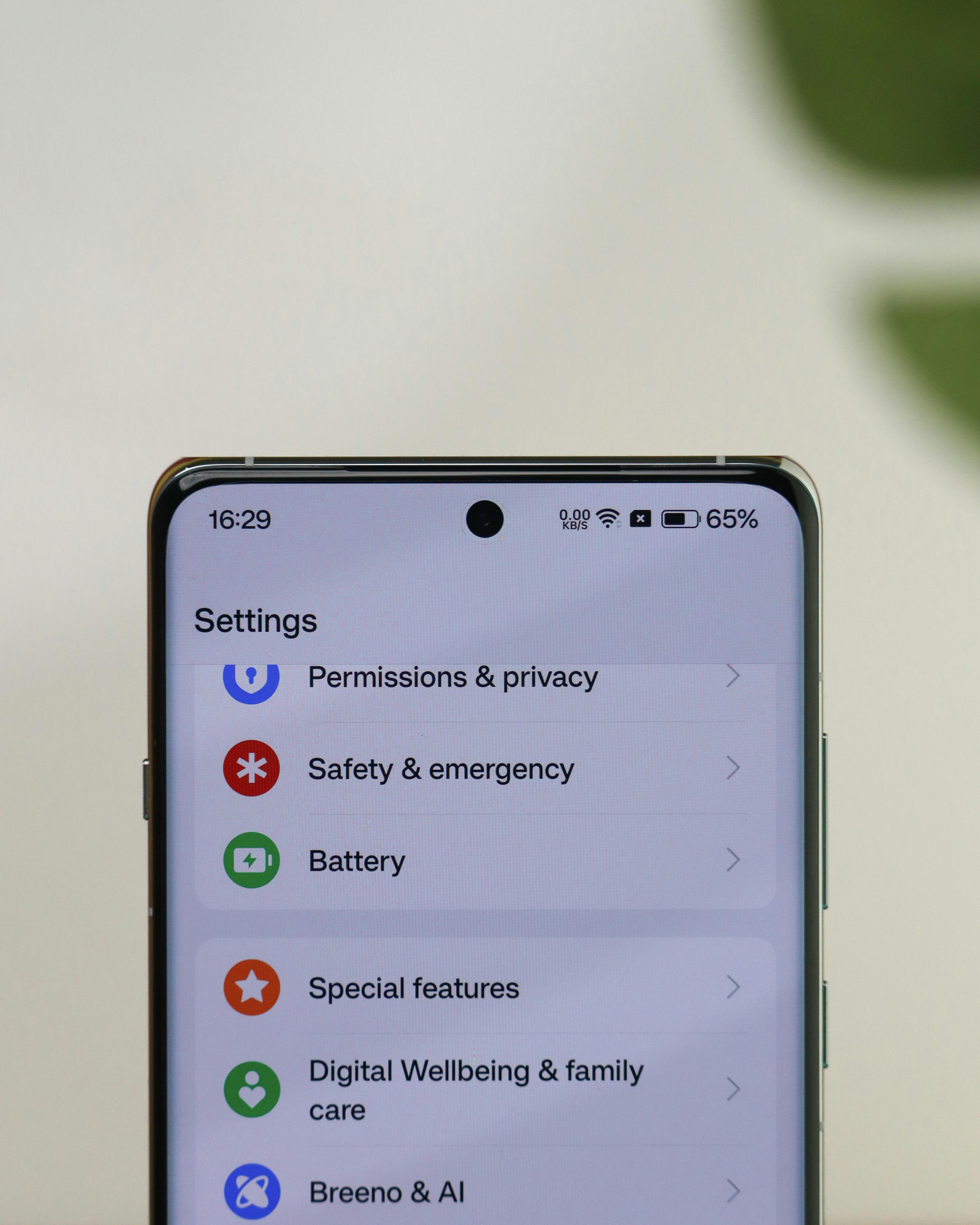
Small changes, real protection your phone settings are more powerful than you think.
3. Tighten up your lock screen
Your lock screen is the first line of defence but most people have it set up in a way that makes it easy to bypass. There are two things to check here.
First, make sure your passcode is strong. A 4-digit PIN is crackable. A 6-digit PIN is significantly better. An alphanumeric passcode (mixing letters and numbers) is best. Yes, it takes a few extra seconds worth it.
Second, check what's visible without unlocking your phone. Notification previews, Siri access, wallet access all of these can be turned off so that anyone who picks up your phone can't immediately see your messages or access your payment cards.
- iPhone: Settings Face ID & Passcode scroll to "Allow Access When Locked" turn off anything you don't need
- Android: Settings Lock screen review notification visibility and shortcuts
4. Check which apps have microphone and camera access
This one surprises people every time. When you go through which apps have permission to access your microphone and camera, you'll almost always find at least one that has no business having it a shopping app, a game, something you downloaded years ago and forgot about.
- iPhone: Settings Privacy & Security Microphone (then Camera) revoke access for anything that doesn't need it
- Android: Settings Privacy Permission manager Microphone / Camera
Worth knowing: Apps can only access your microphone and camera while you're actively using them they can't do it silently in the background on modern iOS and Android. But there's no reason to leave the permission on for apps that have no legitimate use for it.
5. Switch to a more private browser
Chrome is the most-used browser in the world and one of the most data-hungry. Google's entire business model is built on what you search for and where you go online. Switching to a privacy-focused browser is one of the easiest, highest-impact swaps you can make.
Firefox is a great starting point free, open-source, and genuinely committed to privacy. Brave blocks ads and trackers by default without any extra configuration. Both work well on mobile and desktop.
If you're not ready to fully switch, at minimum install a browser extension like uBlock Origin on Chrome it blocks the most aggressive tracking without you having to change anything else.
Start today, not someday
Privacy doesn't have to be a project. You don't have to audit everything at once or become an expert. Start with one of these the ad tracking one takes thirty seconds and notice how it feels to be a little more intentional about what you're sharing.
That's really all this is. Not fear. Not paranoia. Just choosing, consciously, what you're comfortable with.
And if you want to go further, the Privacy Checklist walks you through a fuller audit whenever you're ready.